Dugatto Audio Master · for Mac
Master AI songs & mixes, fast.
Queue
Neon Harbor.wav · streaming master
Drop in a WAV, pick a genre, and get a master that's ready for release.
A Streaming Master for your distributor, and a second one for DJ sets, video and demos if you want it. Made on your Mac: your audio never leaves it.
Coming soon to the Mac App Store
One email when it's out, and the odd one after. See the Privacy Policy.
Apple Silicon · macOS 12 or later
Three moves to a finished master.
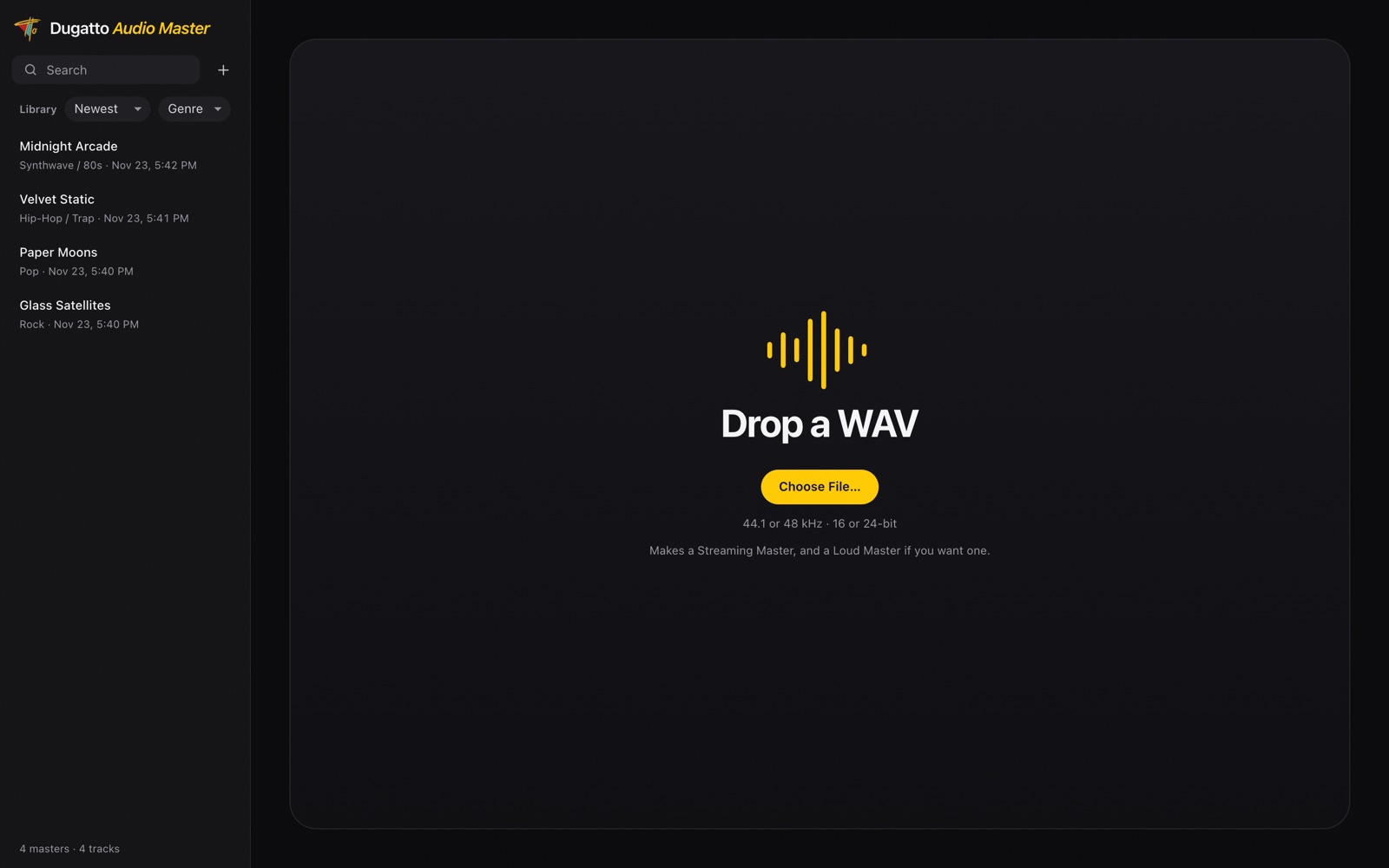
Drop in a WAV
Drag your mix onto the window or choose a file: 44.1 or 48 kHz, 16 or 24-bit. A song from any AI music app works, as long as you export the WAV.
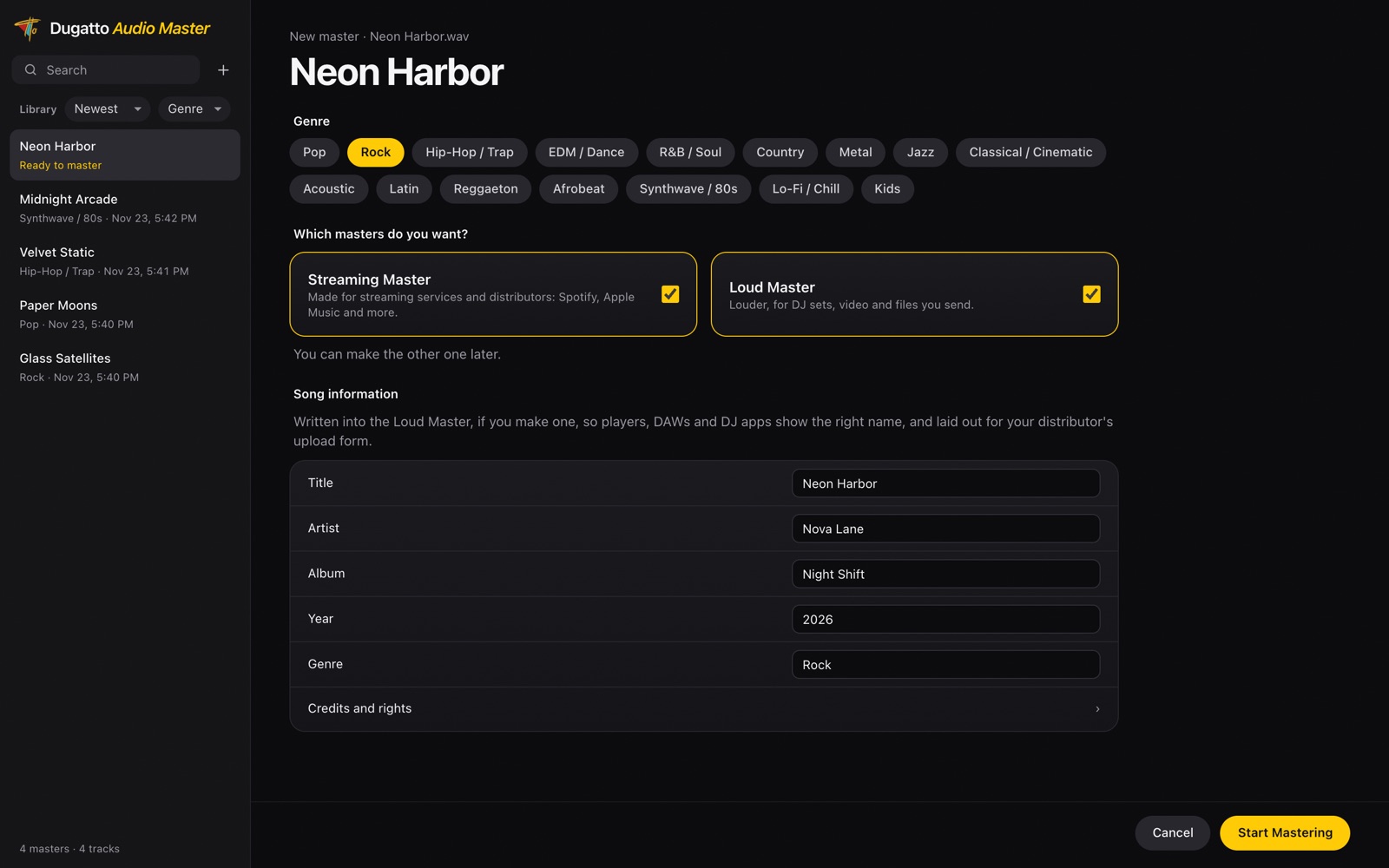
Pick a genre and your masters
Choose the genre the song is in. Take the Streaming Master for your distributor, and add a second master for DJ sets, video and files you send. Type the title, artist and album once: they're written into the file and laid out for your distributor's upload form.
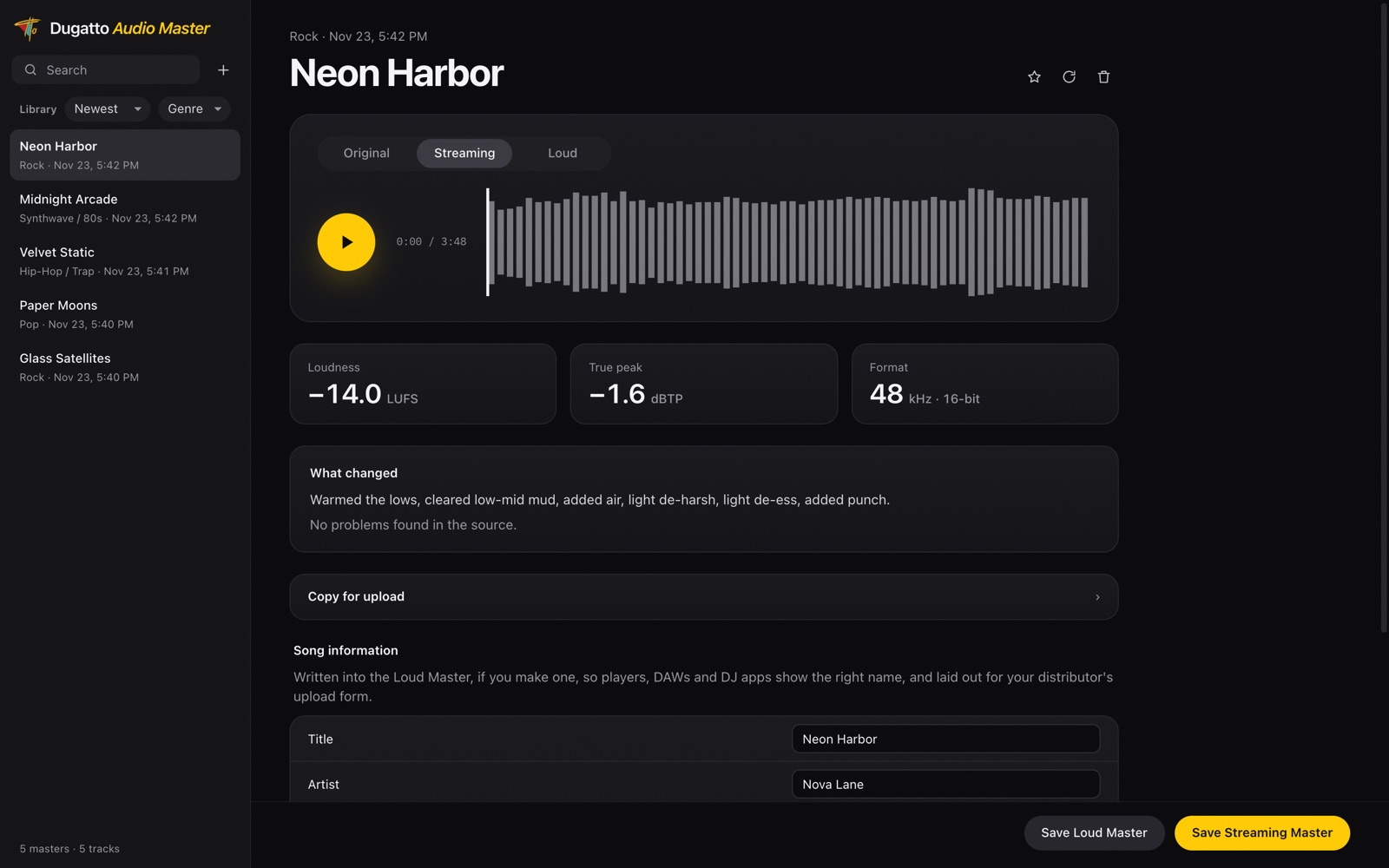
Listen, compare, keep
Flip between the original and each master. Check the loudness and true peak, read what changed, then save the files you want. Every master stays in your library, ready to save again or re-master.
Made on your Mac. Kept on your Mac.
Your audio stays put
The mastering engine runs inside the app. Nothing you master is uploaded, to us or anyone else.
No account
Open it and drop a file. There's no sign-in, and the app collects no personal data.
No tracking
No analytics, no ads, no crash reporting. Your masters and library live on your Mac.
Try it free. $29.99 to keep.
One purchase through the App Store. No subscription, nothing to renew.
- Free to download
- Master as many songs as you like
- Save your first song's masters free
- Unlock saving for good: $29.99, once
Coming soon to the Mac App Store
One email when it's out, and the odd one after. See the Privacy Policy.
Apple Silicon · macOS 12 or later
Questions, answered.
What's a master, and do I need one?
A master is your mix with its loudness, tone and peaks set for release, so it sits right next to everything else on a streaming service. You don't need one for a rough demo. You want one before you send a song to a distributor.
Why a WAV, and where do I get one?
A WAV is the full recording. An MP3 has already thrown detail away, and mastering pushes a recording hard enough to make that loss audible. Most AI music apps and every DAW can export a WAV: look for Download or Export and pick WAV.
What are the two masters?
The Streaming Master is made for distributors and streaming services. The second master is louder, for DJ sets, video and files you send around, and carries the song's title, artist and album inside the file. Make either one, or both.
Which Macs does it run on?
Macs with Apple Silicon (M1 or later) on macOS 12 or later. Intel Macs aren't supported.
Is there a Windows or iPhone version?
Not yet. iPhone is next. Leave your email and we'll tell you when it's out.
How does the free trial work?
Master as many songs as you like and listen to every result. Saving is free for your first song. After that, a one-time $29.99 unlock through the App Store lets you save everything, for good.
Next from Dugatto
The songwriting workshop, on your desktop.
Start from the songs you love and turn them into a style prompt and lyrics for a song of your own, with an AI that runs on your own machine. Every version is kept, and every step is on the record. Then master it, right in the same app.
Hear about it firstFrom the workshop.
Read the blogGet the drop.
Launch day for Dugatto Audio Master, then the workshop when it lands on your desktop. No spam, and you can leave any time.
One email when it's out, and the odd one after. See the Privacy Policy.